Share it on Google Maps or by text
Add your shop booking link to Google Maps and send it directly to guests by text message.
BOOKING FOR MASSAGE, SPA & BEAUTY SHOPS IN THAILAND
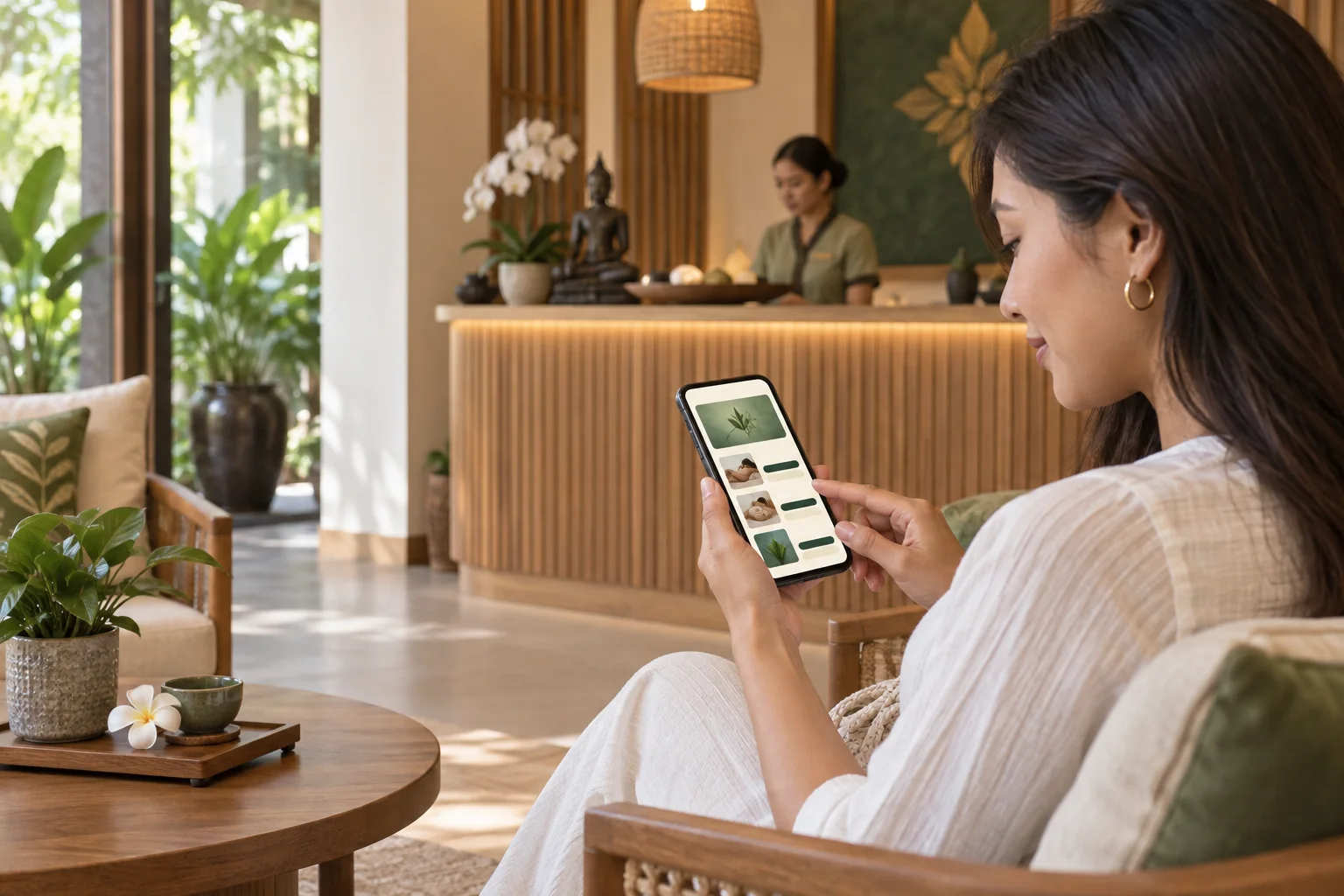
Add your booking link to Google Maps and share it by text. Guests choose their language, browse your massage, spa, or beauty services and prices, then pick an available 30-minute slot. Manage bookings from a mobile web calendar and get new-booking email alerts.
The demo runs on sample data. No real booking or email is created.
Could I book a 60-minute Thai massage at 3:30 PM?
Read customer messages in the language your shop prefers and reply from the same chat.
BUILT FOR THAI MASSAGE, SPA & BEAUTY SHOPS
Guests book in their preferred language. You set massage, spa, or beauty services and prices, then manage appointments from a mobile web calendar with email alerts.
Add your shop booking link to Google Maps and send it directly to guests by text message.
You choose services and prices for massage, spa, or beauty treatments. Guests pick a service and an available time in 30-minute intervals, then may add an email address or phone number.
Sign in from a phone or tablet to review appointments. New bookings arrive with an email alert.
HOW IT WORKS
Send your dedicated booking link to customers or place it wherever you promote your shop.
Customers select a massage service and time, make a booking, and can chat with your shop.
Record phone bookings, get alerts, and reply to translated chats from a phone or tablet.
YOUR SHOP, ONE WORKSPACE
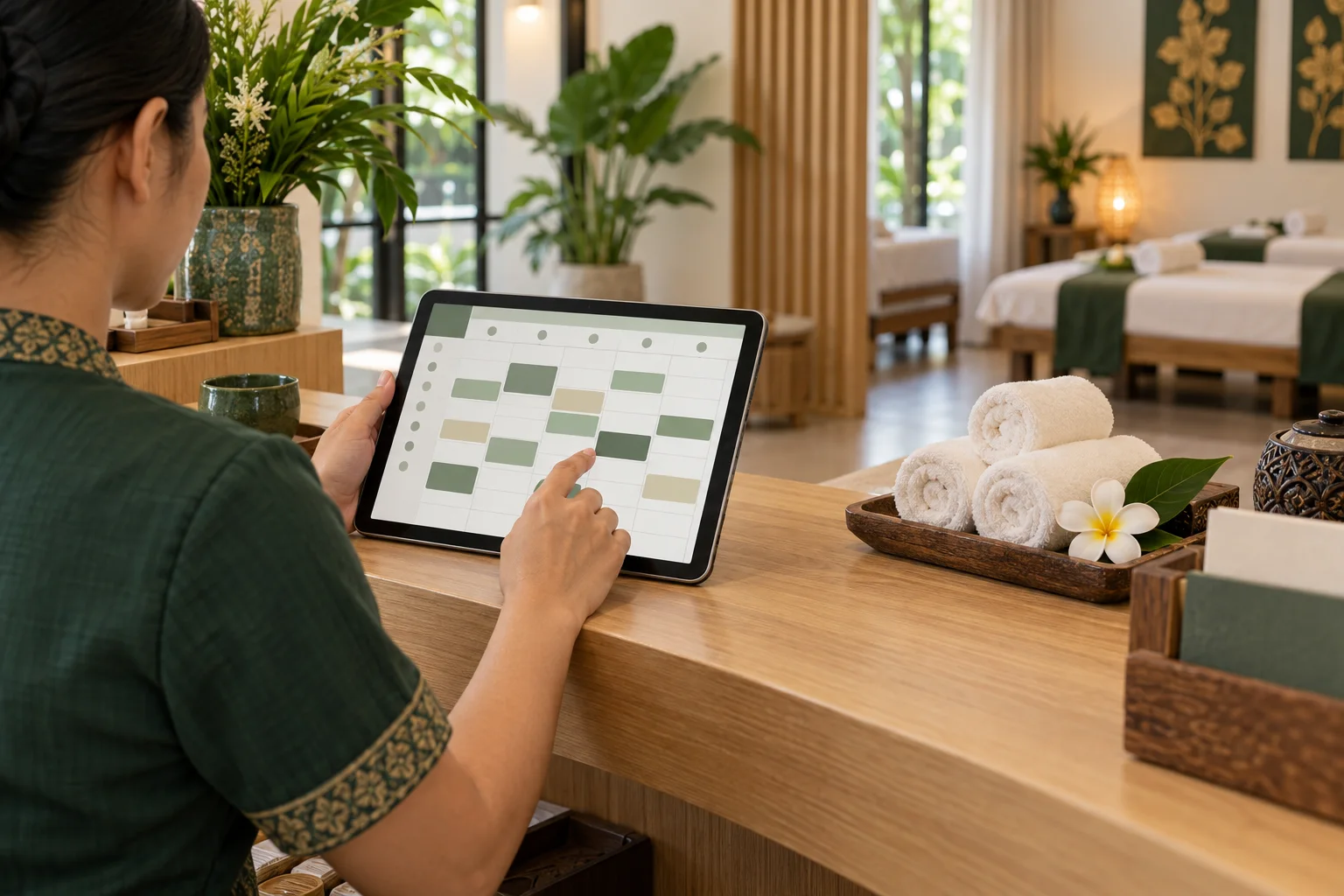
Guests book in their language. Sign in to your mobile web calendar to review appointments, with an email alert when a new booking arrives.
FAQ
zazabook is a mobile-friendly booking and customer chat tool for massage, spa, and beauty/esthetic shops in Thailand. Shops share a booking link; guests choose a language, service, price, and available 30-minute appointment time. Owners manage bookings on mobile web and can receive email alerts.
Yes. A shop can add its own service name, duration, and price, so the booking menu can cover massage, spa, and beauty/esthetic services.
Add your shop link to Google Maps or send it directly by text. Guests open it and choose a language they are comfortable with.
You set the massage services and prices. Guests choose a service and an available 30-minute slot, then can optionally enter an email address or phone number.
Sign in to your mobile web calendar from a phone or tablet. We send an email alert when a new booking arrives.
The booking flow lets guests choose a language, and translated chat helps you respond to customer questions.