A Simple Booking Routine to Avoid Double-Bookings
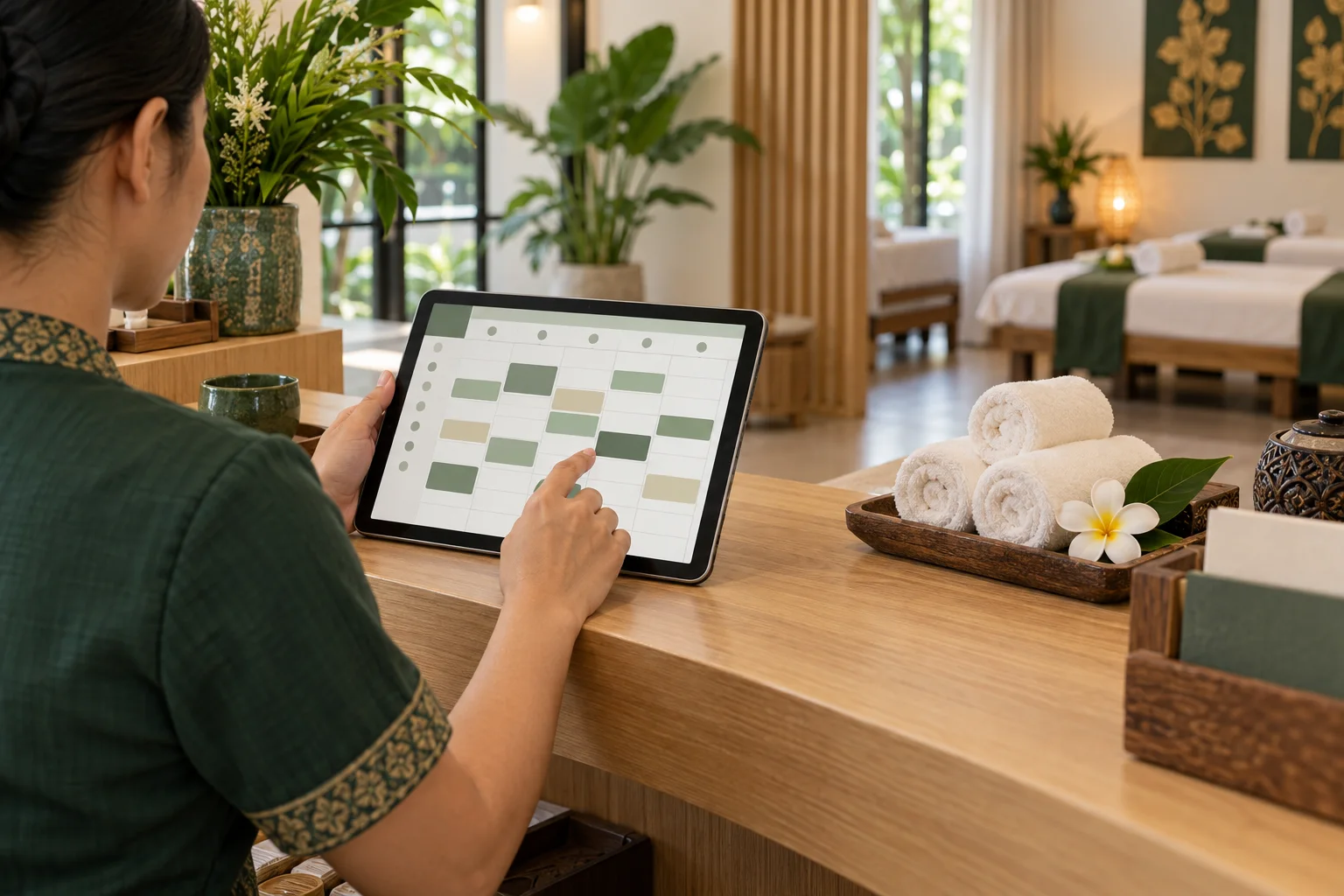
Double-bookings often begin with a small gap in the routine: a phone appointment stays in someone's messages, an online booking is checked too late, or two staff members update separate calendars. A dependable process gives every appointment one place to live and makes it clear who checks that place.
Choose one source of truth
Use one shared calendar as the official schedule. If online bookings already arrive there, record phone, walk-in, and social-message appointments in the same calendar as soon as the time is agreed. Personal notes can help someone remember a call, but should not be the only appointment record.
Use the same core details each time: date, start time, service, duration, guest name, and a contact method when provided. Add a short status for anything the next staff member needs to know, such as a time-change request.
Check time, service, and room
Confirm the date and time with the guest, then check that the service duration fits the available slot. If the shop assigns therapists or rooms, include those assignments in the schedule. A time that looks open may not work if the right person or room is already occupied.
Leave a realistic reset interval when the team needs one. The schedule should reflect how the shop actually works, not assume every handoff will be perfect.
Make updates visible
Choose who adds and changes appointments during each shift. When handing over, show the current calendar and any pending requests. Avoid changing a booking in one channel while leaving the old time visible in another.
For a change or cancellation, update the shared record and confirm the new details with the guest. Mark requests that still need the shop's confirmation so no one mistakes them for completed bookings.
Do a short daily check
At opening, review the day's appointments for missing details, overlaps, or services needing a particular therapist or room. At closing, check that phone and walk-in bookings were recorded and look for special requests the next day.
Once the calendar is complete, this takes only a few minutes. The goal is to catch mismatches while there is still time to contact the guest and agree on a fix.
FAQ
Should phone bookings go into the same calendar?
Yes. Keeping online and phone appointments together makes conflicts easier to spot. Record a phone booking as soon as the time is agreed.
Who should be allowed to change appointments?
Choose a clear owner for each shift and tell the next person when a change is pending. A shared process matters more than separate calendars.
What if two bookings overlap?
Check the details with the team, then contact the affected guest promptly with an alternative. Update the shared calendar after the new time is agreed.
Related reads
A Daily Booking Calendar Routine for Massage Shops
A simple opening-to-closing routine for reviewing online and phone bookings, blocking unavailable time, and handing over a reliable massage shop schedule.
Set Up Services and Opening Hours for Online Booking
A practical checklist for setting massage services, prices, durations, and opening hours before sharing an online booking page.

Where to Share Your Massage Shop Booking Link
Help guests find your massage booking link on Google Maps, social profiles, your website, and follow-up messages.

Practical Ways to Reduce Missed Massage Appointments
Help guests remember and keep appointments with clear booking details, thoughtful reminders, and a simple way to contact the shop about changes.