A Daily Booking Calendar Routine for Massage Shops
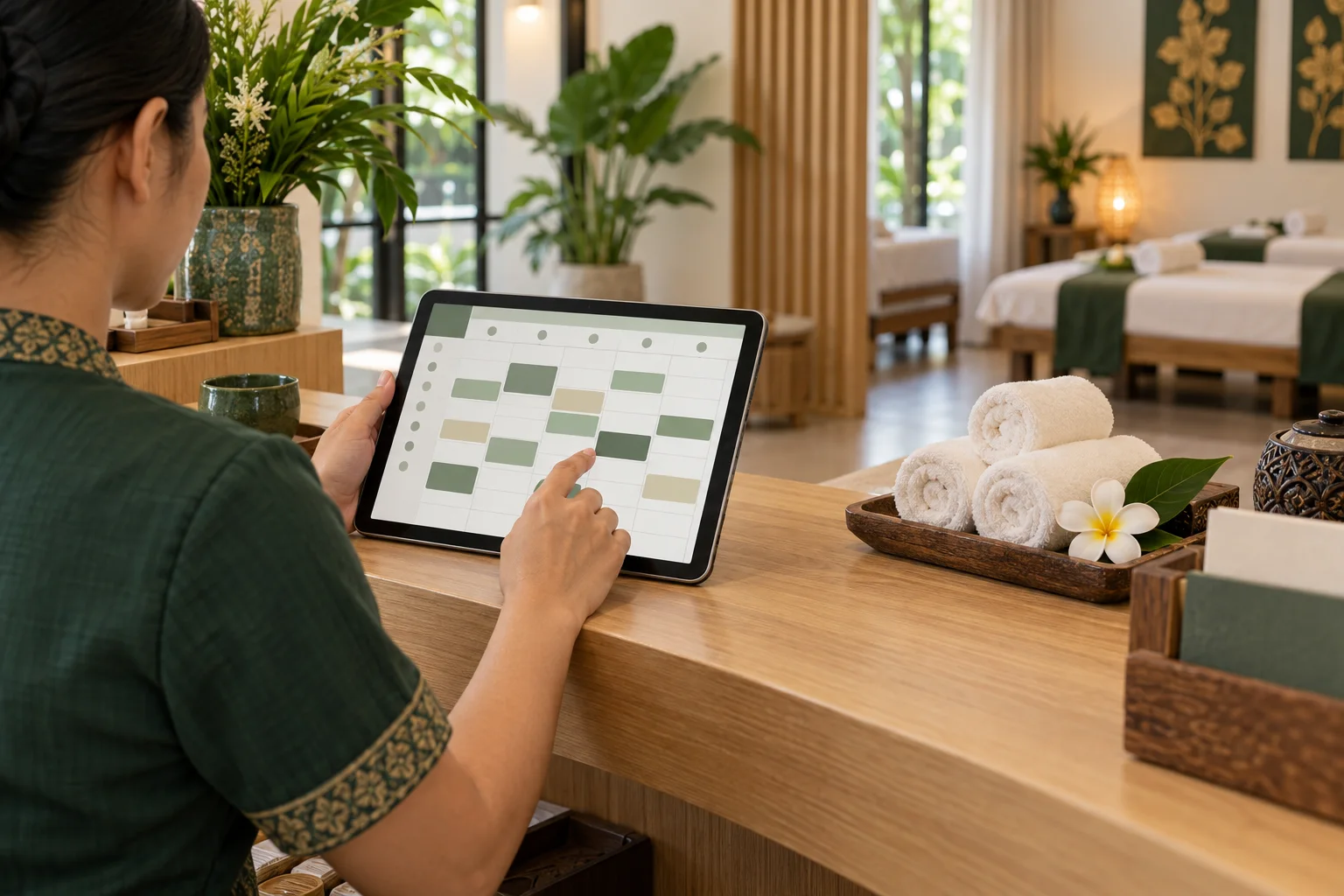
A booking calendar works when the whole team trusts it. Online requests, phone appointments, breaks, and schedule changes all need to be visible in one place. A short routine at opening, during each shift, and at closing helps a massage shop catch gaps before they become stressful surprises.
Set tomorrow up before closing
Before the last shift ends, look at the next day's schedule. Check that each appointment has a service and a start time, and that phone bookings have been added alongside online reservations. If a guest asked for a change, make the current status clear so the next person knows whether the new time is confirmed.
This review is also a good time to compare the calendar with the shop's published opening hours. If the shop will open late or close early, update availability before guests choose a time.
Block time the shop cannot offer
Mark breaks, room resets, staff meetings, and other unavailable periods before taking new bookings for that day. A time can look open on a calendar even when the team cannot realistically prepare the room or serve the next guest.
Use the same rule for every channel. If a phone appointment or private event takes a time slot, record it in the calendar promptly. When the booking system supports blocking unavailable times, use that control so online guests do not see a slot the shop has already committed.
Review the day at opening
At opening, scan the schedule from the first appointment to closing. Look for overlapping start times, missing service details, and gaps that may need a realistic reset interval. Make sure the team knows who is responsible for each pending change or customer question.
For each appointment, keep the information the shop needs to prepare: service name, duration, start time, and any relevant request the guest shared. Avoid collecting extra personal details that the shop does not need.
Keep phone and online bookings together
When a guest books by phone, add the appointment to the same calendar used for online requests. Repeat the date, time, and service back to the guest before ending the call. That simple confirmation catches misunderstandings while both people are still talking.
If the shop uses zazabook, owners can review online and phone bookings from the mobile web dashboard, block unavailable times, and receive email alerts for new online bookings. The calendar helps coordinate the schedule; the shop still needs to communicate changes and confirm any request that is not yet accepted.
Make shift handovers specific
A good handover says what changed, what is waiting, and who will follow up. Point to the current calendar entry rather than relying on a message thread or a staff member's memory. After a guest agrees to a new time, update the calendar and send a short confirmation through the channel the guest used.
FAQ
Should phone bookings be added immediately?
Yes. Add them as soon as the date and time are agreed, then repeat the details to the guest. This keeps the calendar useful for everyone on the next shift.
What time should a shop block?
Block any time the shop cannot actually offer, including breaks, room preparation, staff commitments, or a temporary change in opening hours. Leave realistic gaps when the team needs them.
Does a booking calendar confirm every request automatically?
No. A calendar makes requests and schedule changes visible. The shop should tell the guest when a time is confirmed and follow up on requests that still need review.
Related reads
A Simple Booking Routine to Avoid Double-Bookings
Keep online and phone appointments in one reliable routine with clear ownership, careful time checks, and a short daily calendar review.
Set Up Services and Opening Hours for Online Booking
A practical checklist for setting massage services, prices, durations, and opening hours before sharing an online booking page.

Where to Share Your Massage Shop Booking Link
Help guests find your massage booking link on Google Maps, social profiles, your website, and follow-up messages.

Practical Ways to Reduce Missed Massage Appointments
Help guests remember and keep appointments with clear booking details, thoughtful reminders, and a simple way to contact the shop about changes.