Where to Share Your Massage Shop Booking Link
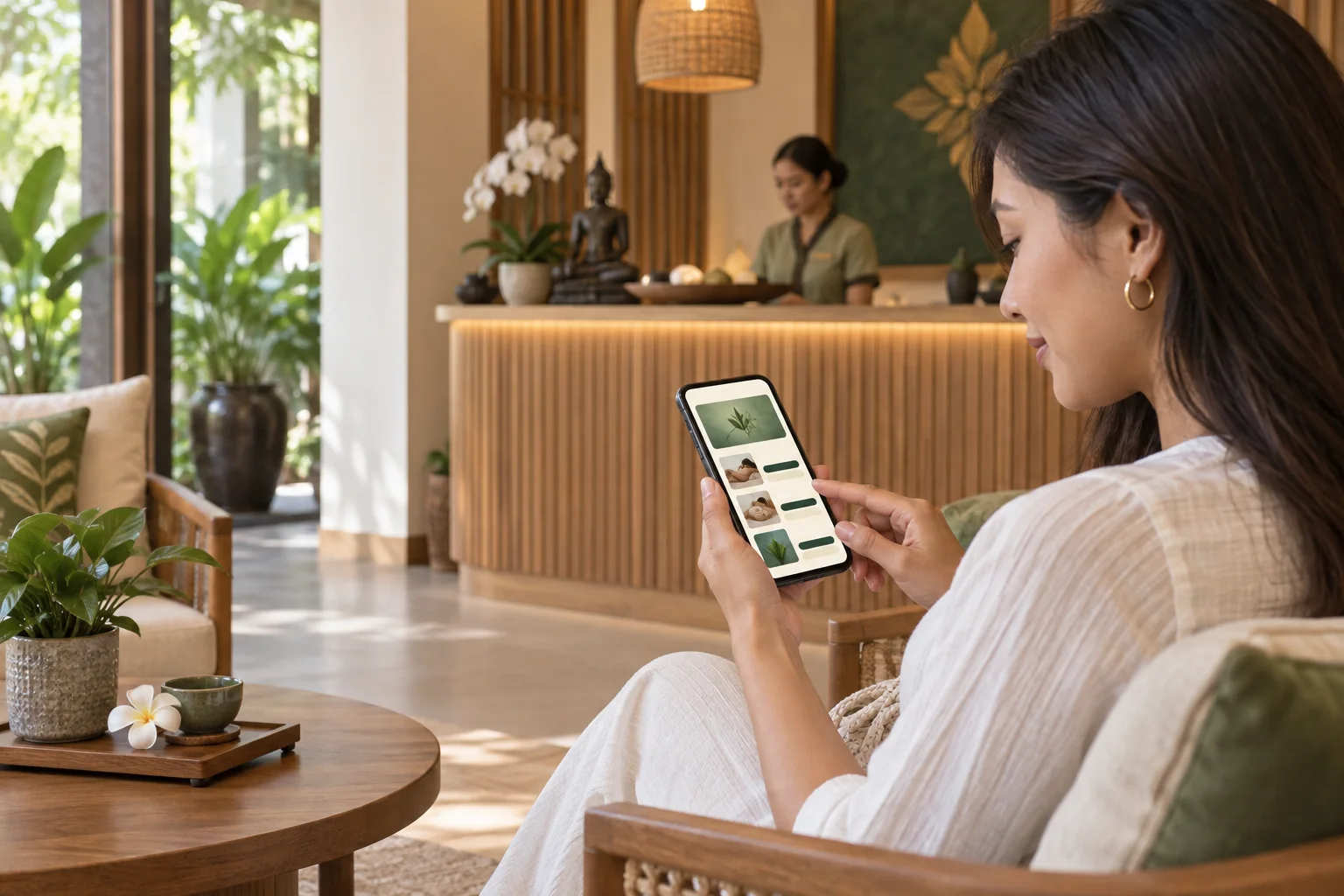
A booking link is useful only when guests can find it at the moment they are choosing a service. Instead of sending it once and hoping people remember, place the same link in a few reliable spots and make the next step clear.
Start with places guests already check
Add your booking link to your shop website, social profile, and the business information customers see when searching for your shop on Google Maps. If you message guests after an inquiry, include the same link there too. For walk-in visitors, a printed QR code beside the reception desk can point to the booking page; use a QR generator you trust and test the result before printing.
Keep one canonical URL for the shop. Reusing it makes updates easier and helps you avoid old links that lead to a missing or outdated page.
Tell guests what the link does
A short label such as “View services and available times” sets a clear expectation. The zazabook booking page lets guests browse a shop's service menu and prices, choose a language, and see available start times on a 30-minute grid. Customers do not need to create an account to use the booking flow.
Avoid promising a confirmed appointment in the link text unless that is actually how your shop handles requests. Explain whether the shop will review the request and follow up, and make sure staff know where to check new online bookings.
Check the link on a phone
Open the link from each place where you shared it. Confirm that it loads on a mobile device, shows the right shop, and makes the service names, prices, and available times easy to understand. Ask someone who has not seen the page before to follow the steps; they can often spot confusing wording faster than the person who set it up.
Review your social bio and map listing whenever your booking address changes. Remove old links from pinned posts and saved replies, then test the replacement.
Make link sharing part of your routine
When a guest asks about a service, send the link with one sentence about what they can do there. At the end of a visit, invite them to save the shop's profile or link for next time. If a staff member answers messages, keep a shared approved reply so every guest gets the same current address.
To preview a sample guest journey, try the zazabook demo.
FAQ
Should I use a different booking link for each social network?
Usually one shop link is easier to maintain. If you use tracking links, keep the destination the same and check that each variation still opens the correct booking page.
Can I add a booking link to my Google Maps listing?
Use the website or booking link field available in your shop's business profile, if offered. Check the listing on a phone afterward so you know what guests see.
What should I write next to the link?
Name the next step, such as viewing services or checking available times. Keep it brief and do not promise an instant confirmation unless your shop's process guarantees one.
Related reads
Build an Online Booking Menu Guests Can Understand
A practical guide to naming massage services, showing prices and durations, and making an online booking menu easier for first-time guests to use.
Set Up Services and Opening Hours for Online Booking
A practical checklist for setting massage services, prices, durations, and opening hours before sharing an online booking page.
A Daily Booking Calendar Routine for Massage Shops
A simple opening-to-closing routine for reviewing online and phone bookings, blocking unavailable time, and handing over a reliable massage shop schedule.
Practical Ways to Reduce Missed Massage Appointments
Help guests remember and keep appointments with clear booking details, thoughtful reminders, and a simple way to contact the shop about changes.