Set Up Services and Opening Hours for Online Booking
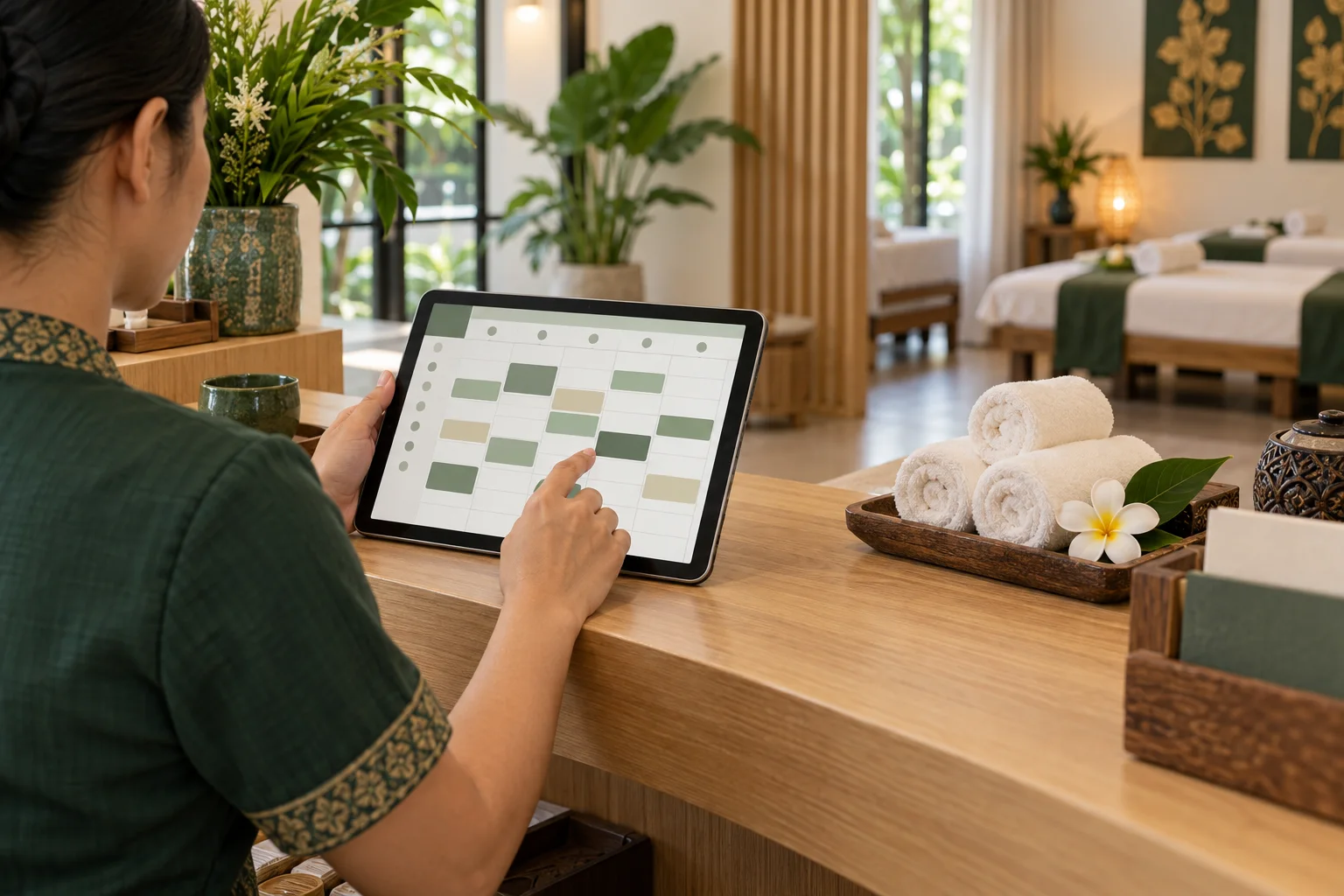
A clear online booking page starts with details your shop already knows: what each service includes, how long it takes, what it costs, and when the shop is open. Spending a little time on those basics helps guests choose confidently and gives the team a schedule it can actually manage.
Describe each service in customer language
Use names that guests recognize, then add a short description of what is included. Keep similar services distinct so a guest can understand the difference without asking the shop to translate internal shorthand.
Enter the actual price and service duration. If the treatment length excludes preparation or room reset time, decide how your shop handles that interval and account for it in the way you schedule. Avoid adding optional extras as though they were part of the base service.
Set opening hours you can keep
Enter the days and hours when the shop can accept appointments. Check the settings against the team's real operating calendar, including days when the shop closes early or opens later. When you know a time will be unavailable, block it before guests choose a slot.
Review hours after holiday changes or staffing updates. A booking page should not show times the shop cannot honor, and a quick calendar check is better than relying on a paper sign someone may forget to update.
Understand the available start times
Guests see available start times on a 30-minute grid. Review the times shown alongside each service duration and make sure the schedule gives the team enough room for the service and any preparation it needs. If a slot should not be offered, adjust availability or block that period rather than asking staff to remember it later.
This is especially useful when services take different amounts of time. A short treatment and a longer one can affect the rest of the day's schedule in different ways.
Test the page before sharing it
Open the shop's booking page on a phone and read it as a first-time guest. Check that the language, service names, prices, hours, and available times match what the team expects. Then review the owner dashboard so staff know where to see online bookings and how to respond to a request.
For a no-pressure walkthrough, use the zazabook demo before you publish your own link. Keep the shop's process clear about when an appointment is considered confirmed.
FAQ
How long should a service duration be?
Use the time the shop needs to deliver that service reliably. Include realistic preparation or reset time in the schedule where required instead of assuming each appointment ends exactly on time.
What if the shop is closed for one afternoon?
Block the unavailable period before customers choose a time. Recheck the booking page after changing availability to make sure the closed period is no longer offered.
Does an online request always mean an appointment is confirmed?
Explain your shop's confirmation process to guests and review new bookings in the owner dashboard. Do not describe a request as confirmed until the shop's process has actually confirmed it.
Related reads
Build an Online Booking Menu Guests Can Understand
A practical guide to naming massage services, showing prices and durations, and making an online booking menu easier for first-time guests to use.
Where to Share Your Massage Shop Booking Link
Help guests find your massage booking link on Google Maps, social profiles, your website, and follow-up messages.
A Daily Booking Calendar Routine for Massage Shops
A simple opening-to-closing routine for reviewing online and phone bookings, blocking unavailable time, and handing over a reliable massage shop schedule.

Practical Ways to Reduce Missed Massage Appointments
Help guests remember and keep appointments with clear booking details, thoughtful reminders, and a simple way to contact the shop about changes.