Build an Online Booking Menu Guests Can Understand
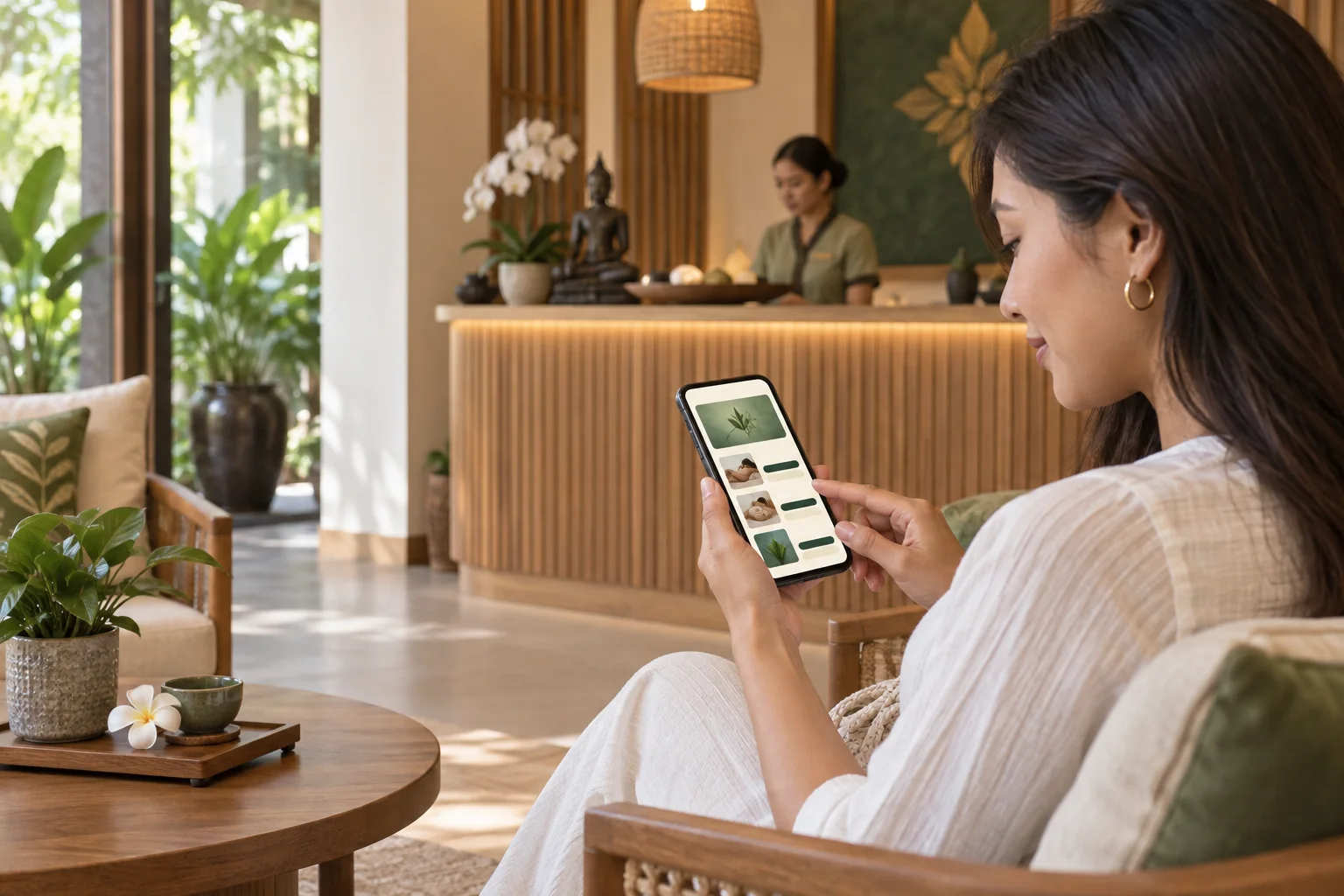
Guests should understand what they are booking before choosing a time. A clear menu answers three questions: what is the service, how long does it take, and what does it cost? When those details are easy to compare, guests can choose with confidence and the shop spends less time repeating basic information in chat.
Use names guests recognize
Start with a short service name in everyday language. If your team uses an in-house term, explain it briefly. Keep similar treatments distinct: if two oil massages use different techniques or durations, show that difference instead of listing nearly identical names.
Put the main choice first and explain what is included in one or two sentences. A guest browsing on a phone should not need to open several pages to understand the service.
Show duration and price together
Place the treatment length and price beside each service. Use the same currency and price format throughout the menu. If guests can choose 60 or 90 minutes, list each option with its own price so no one has to guess.
Make sure the bookable duration reflects how long the therapist and room are occupied. If the shop needs time to reset the room between appointments, account for it in the schedule.
Keep the next step obvious
Group related options under a few headings, such as massage, spa, or beauty. Keep the list short enough to scan, and put introductory or popular services near the top. Before sharing the page, open it on a phone and check that the name, price, duration, and booking action are easy to see.
Leave a clear way to ask a question. Some guests want to confirm one detail before they choose; a chat or contact option helps without interrupting the booking flow.
Review it when things change
Update the online menu and matching map or social information when prices, services, or opening hours change. Ask another staff member to review the page as a first-time guest. Their questions can reveal details the person who created the menu has stopped noticing.
A useful menu does not need clever wording. It needs accurate choices, readable details, and a predictable path from service to time selection.
FAQ
What should each listing include?
Use a recognizable name, duration, price, and a short description of what is included. Add arrival or preparation guidance if guests need it.
Should every treatment variation be listed?
List differences guests need to choose between, such as duration or technique. Keep internal distinctions out of the customer-facing menu.
How often should the menu be reviewed?
Review it whenever a price, service, or schedule changes. A quick monthly check can catch stale wording or details that no longer match the shop.
Related reads
Set Up Services and Opening Hours for Online Booking
A practical checklist for setting massage services, prices, durations, and opening hours before sharing an online booking page.
Where to Share Your Massage Shop Booking Link
Help guests find your massage booking link on Google Maps, social profiles, your website, and follow-up messages.
A Daily Booking Calendar Routine for Massage Shops
A simple opening-to-closing routine for reviewing online and phone bookings, blocking unavailable time, and handing over a reliable massage shop schedule.

Practical Ways to Reduce Missed Massage Appointments
Help guests remember and keep appointments with clear booking details, thoughtful reminders, and a simple way to contact the shop about changes.